Skip to content
How It Works

AI Helps Author the Policy. H6 Executes It Deterministically.

AI helps structure the policy. Your team approves it. H6 then executes the active version consistently across validation, matching, classification, approvals, posting and exceptions—alongside your existing ERP.

Platform Walkthrough

A real invoice journey, not a black box.

See the complete governed path from source document to ERP outcome.

H6 invoice workflow walkthrough

Five Governed Stages

From intake to an accountable outcome.

Captured facts remain separate from governed business choices, so the active policy version controls the outcome and every decision remains traceable.

Capture01

The invoice enters H6.

Finance documents enter H6 from email, cloud storage, APIs, ERP connectors, procurement systems or direct upload. H6 preserves the source and creates a governed processing record before any decision is made.

Example

An invoice received by email is attached to its processing record and prepared for document understanding.

An invoice entering H6 from connected finance systems
Understand02

AI captures the facts.

H6 reads the invoice and captures the supplier, invoice number, dates, currency, tax, totals and line items. Each extracted value retains its source and confidence.

Example

H6 captures the PO reference and line-level facts without yet deciding the business outcome.

H6 capturing structured facts from an invoice
Resolve & Match03

Add the finance context.

H6 resolves the supplier and legal entity, then retrieves the relevant purchase order, goods receipt, contract and approved vendor information.

Example

Invoice lines are matched against the PO and receipt. Any price or quantity variance is preserved for policy evaluation.

H6 resolving supplier and purchasing context for an invoice
Apply Policies04

Govern every decision.

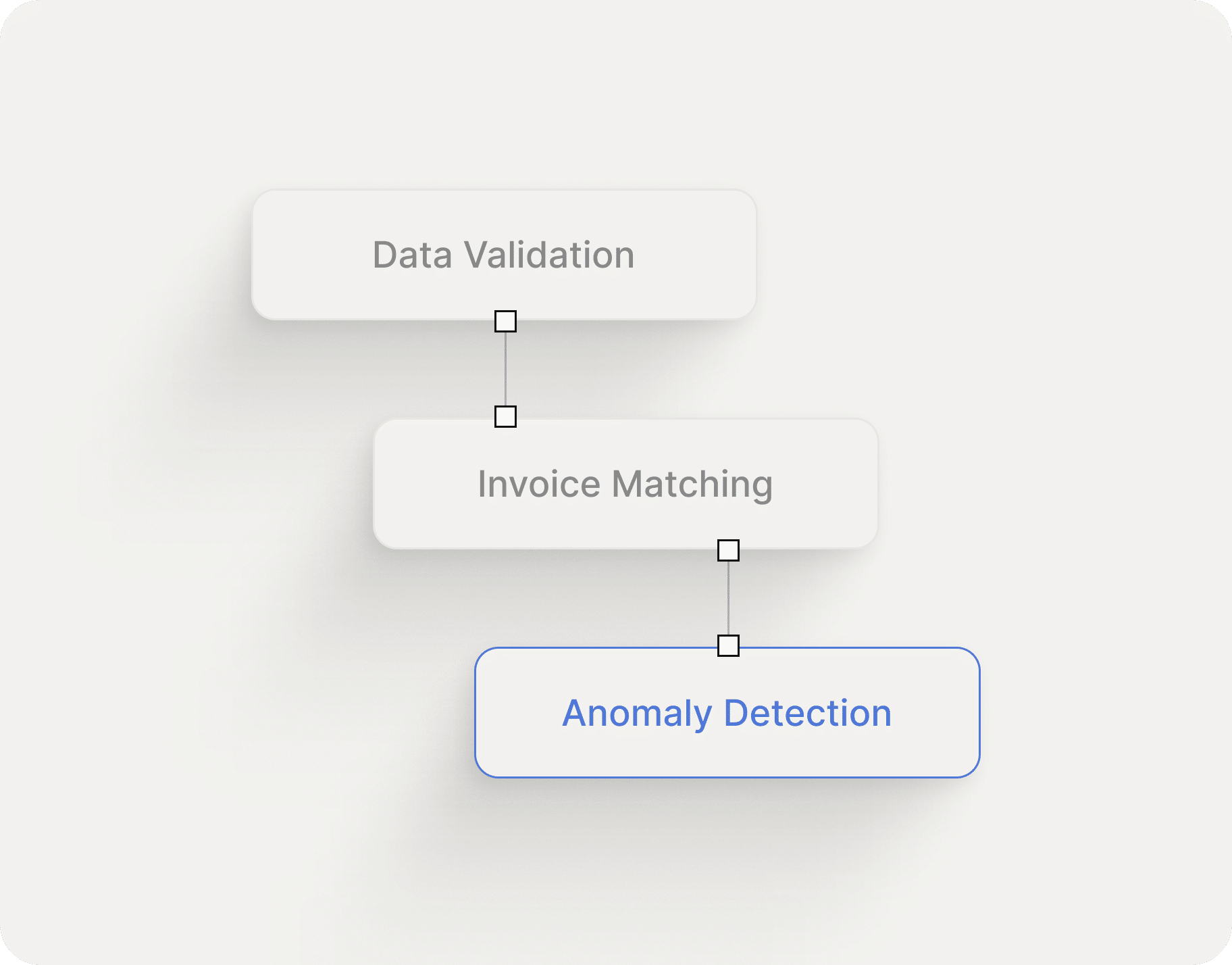
H6 executes the approved active policies for validation, matching, classification, approvals and posting. The same facts and policy version produce the same governed result.

Example

A classification policy assigns the entity, department, account and tax code while a validation policy checks any price variance before approval.

Approved H6 policies governing invoice decisions
Execute & Trace05

Post or route for review.

H6 posts the approved outcome to the ERP or routes a true exception to the right reviewer. Every input, policy version, action and outcome is recorded in the audit trace.

Example

A compliant invoice is posted automatically. A failed validation is routed with its reason, supporting context and controlling policy version.

A governed invoice outcome posted or routed for review

The Control Layer

See how approved policies govern the work.

Explore the Policy Engine